This is where using a secure antidetect browser combined with reliable proxy services becomes essential. By routing each account through a unique IP, you can prevent detection, reduce the risk of bans, and keep your operations running smoothly.
DICloak Antidetect Browser is designed for exactly this purpose. It allows digital marketers, e-commerce professionals, and teams to manage multiple online identities safely, isolating each account while preventing tracking, fingerprinting, and exposure. When paired with Geonode proxies, DICloak ensures that every profile operates from a unique location, giving you maximum security and operational flexibility.
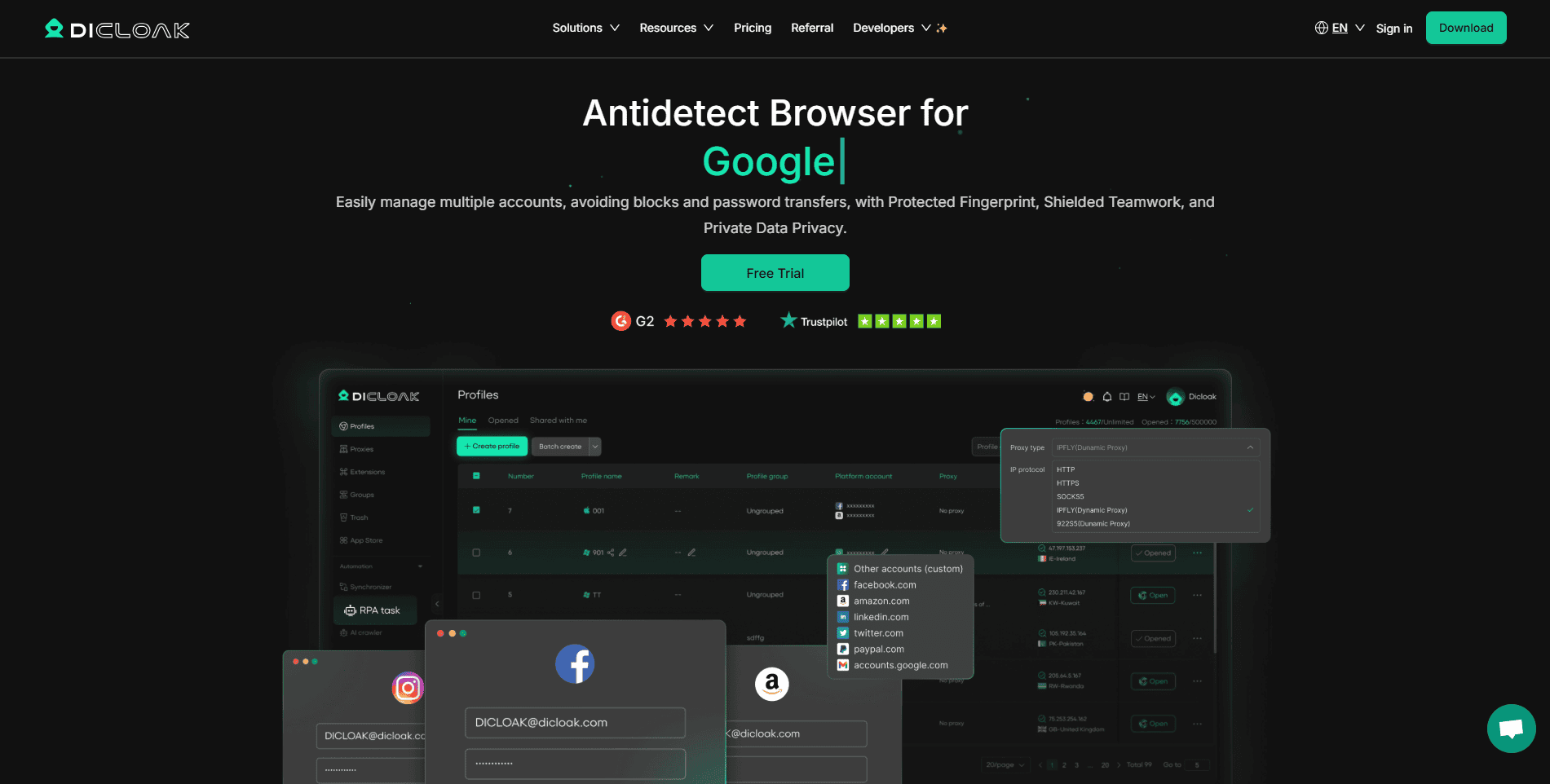
DICloak Antidetect Browser: Securely Manage Multiple Online Identities
Managing multiple online accounts can be a challenge especially for digital marketers, e-commerce professionals, and teams who need to stay productive without risking account bans, tracking, or data leaks. DICloak is a robust antidetect browser designed to address these challenges. It allows users to operate multiple accounts safely and securely, preventing tracking, fingerprinting, and any risk of account exposure.
With DICloak, you can work confidently across platforms like Facebook, Amazon, TikTok, and more, knowing that each account is protected by advanced security measures and isolated profiles. Its powerful automation tools and team collaboration features make it not just a browser, but a comprehensive solution for managing online identities efficiently and safely.
Key Features:
- Isolated Profiles: Each profile operates in a completely separate browser environment with a unique digital fingerprint (IP address, device setup, etc.), making it impossible for websites like Facebook, Amazon, or TikTok to link your accounts.
- Smart Automation: Automate complex tasks like web scraping, ad campaign management, and account creation using built-in RPA tools, Synchronizer, and ready-to-use AI Crawlers—no coding required.
- Secure Team Collaboration: Easily share and manage accounts with your team using flexible role assignments, detailed operation logs, and advanced data protection features like a hidden password manager and packet capture detection.
- Maximum Security: Protect your sensitive data and credentials with multiple layers of security, ensuring your online activities remain private and secure.
Why Use DICloak Antidetect Browser?
DICloak Antidetect Browser helps professionals and teams manage multiple online accounts safely, efficiently, and at scale—keeping digital footprints hidden and operations smooth.
Key Use Cases:
- Social Media Marketing: Manage dozens of accounts across TikTok, Facebook, LinkedIn, and more without triggering bans or verification requests.
- Digital Agencies & Media Buyers: Run multiple ad accounts securely with separate fingerprints, proxies, and automation.
- Affiliate Marketing: Isolate campaigns for better tracking, unique IPs, and reduced platform scrutiny.
- E-Commerce & Dropshipping: Operate multiple stores on Amazon, Shopee, TikTok Shop, or Etsy safely.
- Traffic Arbitrage & Automation: Test traffic, scrape data, and run bots under separate profiles without leaks.
- Secure Team Collaboration: Share access to tools like ChatGPT or Canva with encrypted syncing and permission control.
How to Configure Geonode Proxies with DICloak
Using Geonode residential proxies with DICloak adds an essential layer of security, allowing each browser profile to operate with a unique, real IP address. This helps manage multiple accounts without triggering bans, verification checks, or tracking. To use DICloak with Geonode proxies safely and effectively, follow the steps below:
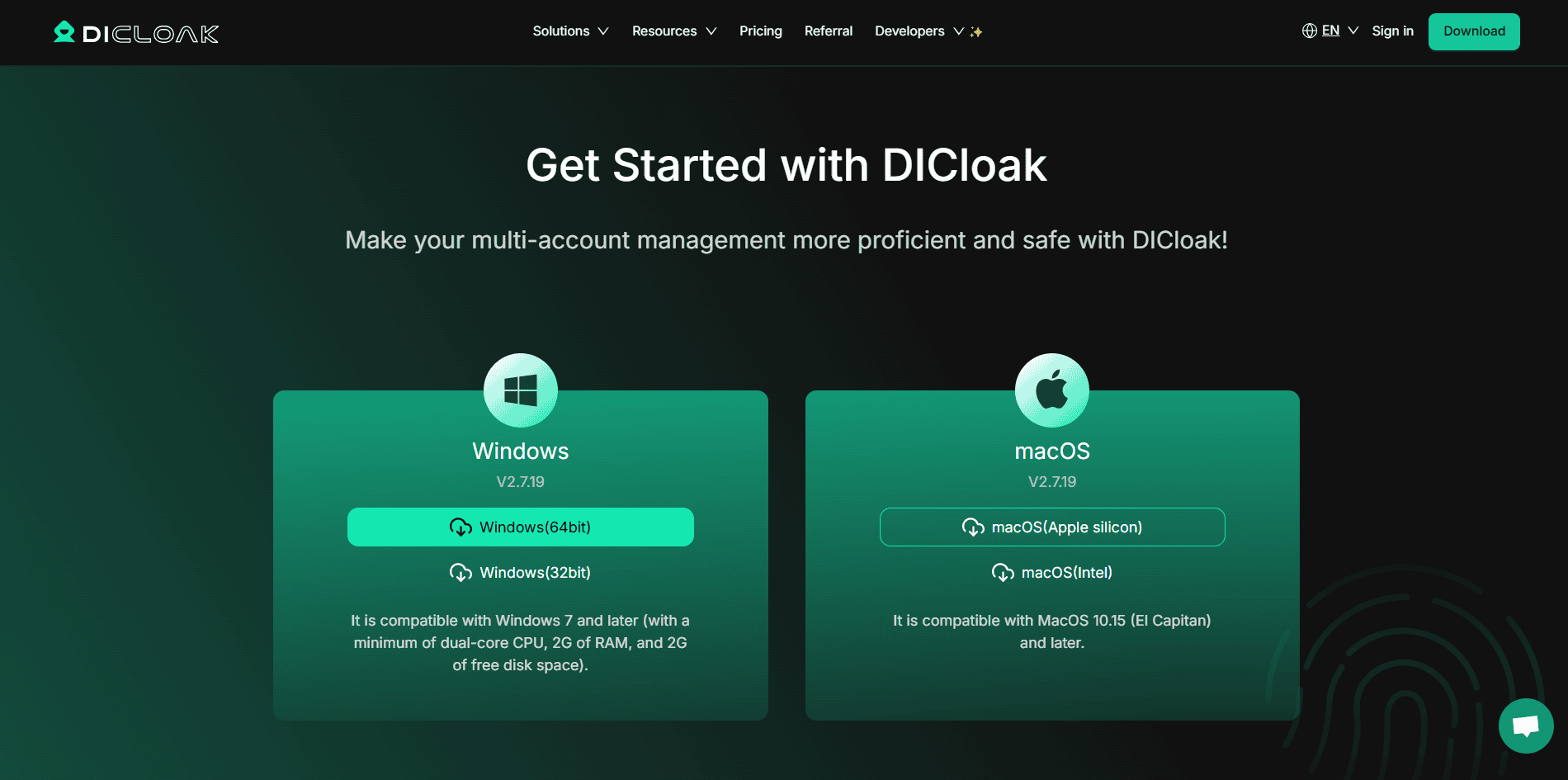
Step 1: Download and Install DICloak
Install the DICloak Antidetect Browser on your Windows or macOS device and create your account.
Step 2: Create Profiles
Set up your browser profiles by entering the required parameters, including profile name, tags, and group. Each profile acts in isolation with its own fingerprint.
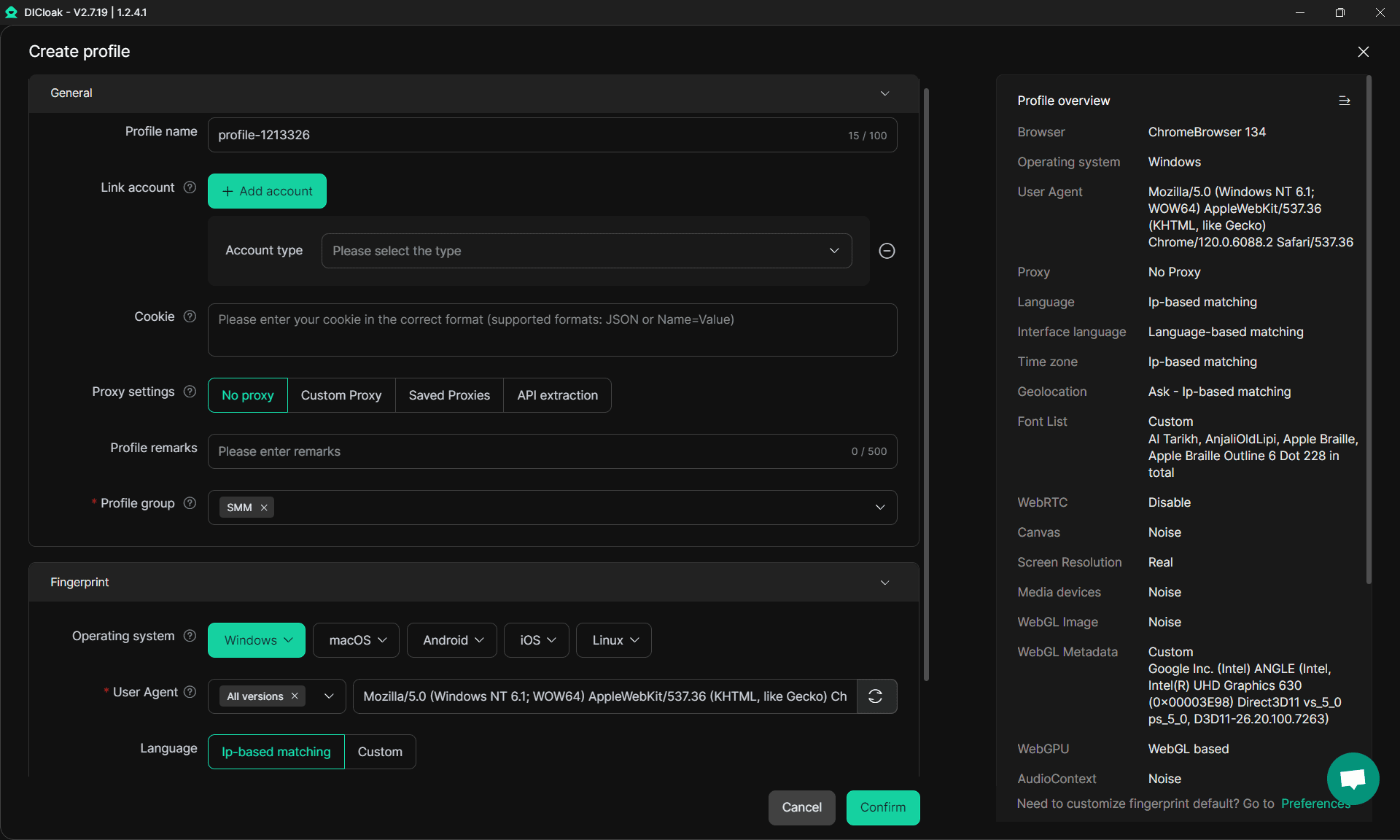
Step 3: Configure Geonode Proxy
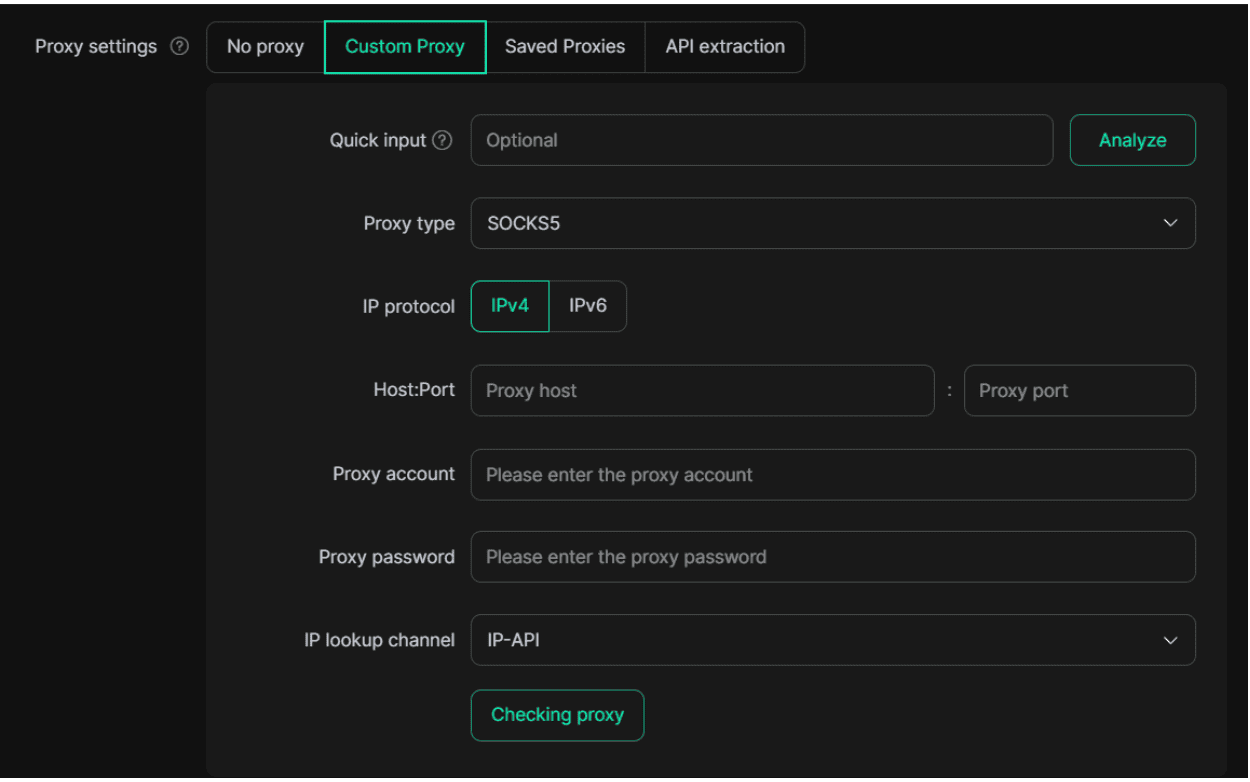
- Click Custom Proxy in the proxy settings for the profile you want to use.
- Enter your Geonode proxy credentials (IP, port, username, and password).
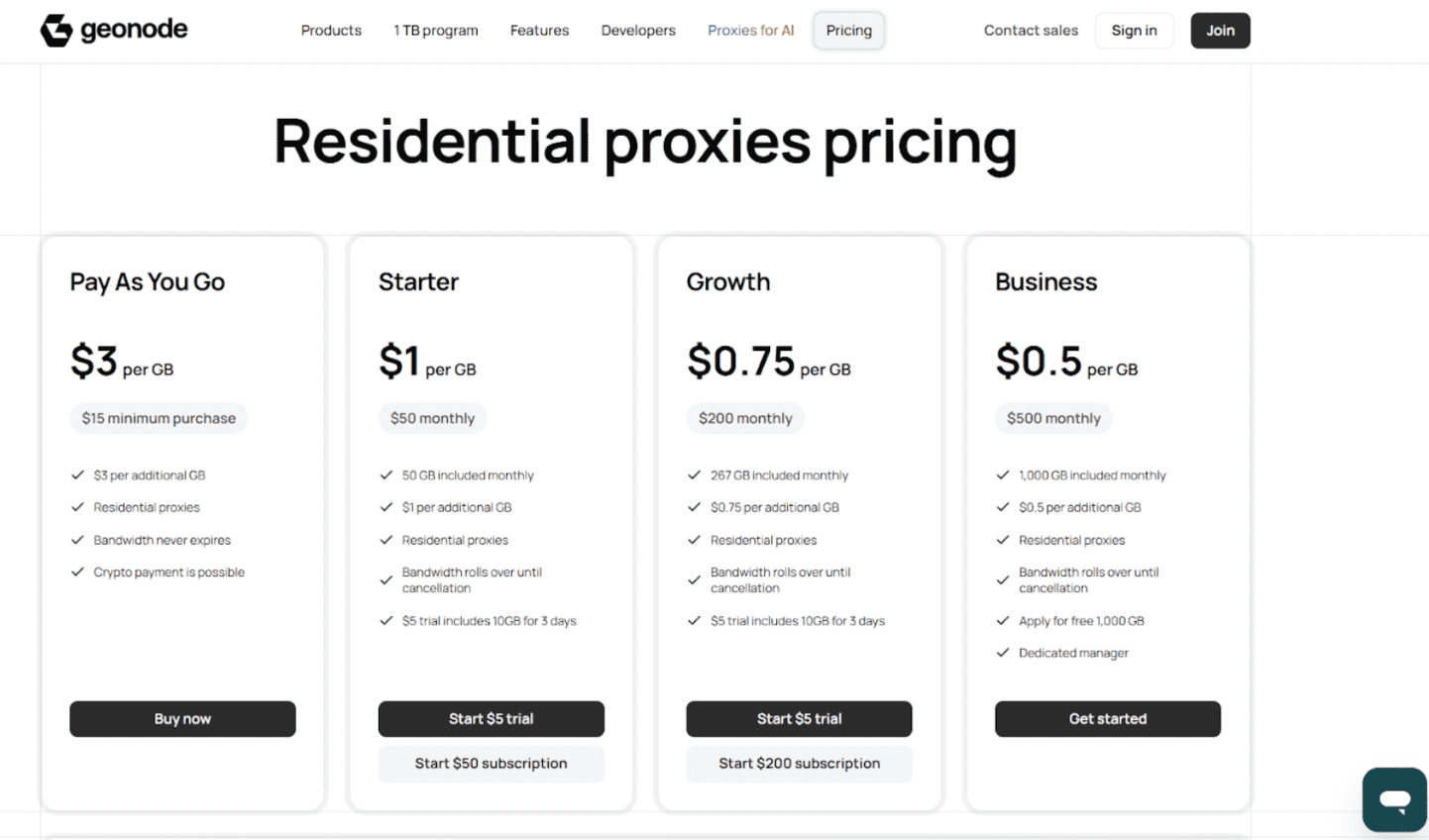
- Test the connection to ensure the proxy is working correctly.
Step 4: Start Managing Accounts
Once configured, each profile will use its own IP via Geonode, allowing you to safely run multiple accounts across platforms like TikTok, Facebook, or Amazon. You can switch between profiles effortlessly without risk of cross-detection.
By combining DICloak’s isolated profiles with Geonode’s reliable residential proxies, you get a secure, efficient, and undetectable setup for social media management, e-commerce operations, affiliate campaigns, and team collaborations.
Why Use Geonode Proxies with DICloak
Pairing DICloak with Geonode residential proxies significantly enhances security and account management. Each browser profile should be configured to match the proxy’s location time zone, language, and region settings reducing the risk of detection or platform security checks. Assigning a unique Geonode proxy to every DICloak profile prevents digital overlap between accounts. Avoiding IP reuse ensures that each account operates in a truly isolated environment, which is essential for social media marketing, e-commerce, affiliate campaigns, and traffic arbitrage.
For large-scale operations, you can batch assign proxies to multiple profiles, saving time while keeping your accounts organized and safe. Together, DICloak and Geonode provide a reliable, stealthy, and automation-friendly solution: DICloak isolates and protects profiles, while Geonode delivers IP diversity, stability, and secure connectivitybreducing risk and boosting operational efficiency for multi-account management.
Get Started with DICloak and Geonode
If you want to manage multiple accounts securely, stay undetected, and take full advantage of automation—try DICloak with Geonode proxies today. Get started safely and efficiently, and experience seamless multi-account management like never before.
Use the code GEONODE to get **10% **off your DICloak subscription and start running your accounts securely. Try DICloak + Geonode Now.