

Rotating datacenter proxies automatically assign a datacenter IP to each request or session. They combine fast connections, simple geo-targeting, and traffic-based pricing for public web data collection.
Rotating datacenter proxies
Real datacenter IPs. Fast, compliant, and built for scale.
Rotating IP access
Use rotating datacenter IPs without maintaining a fixed proxy list.
API control
Manage IPs programmatically
Geo-targeting
Precise location control
Rotating Datacenter Proxies Pricing
Why use rotating datacenter proxies
Use them when a task needs frequent IP changes without managing a static proxy list. They suit price monitoring, SEO research, market research, and other workflows where speed matters more than residential identity.
How rotation works: per request, timed, or sticky
A rotating session changes the IP across requests, while a sticky session keeps the same IP when you need continuity. Choose how long you want to keep an IP based on the task you are running. You can also set a session lifetime when you need the IP to stay active for a defined period.
Endpoint format
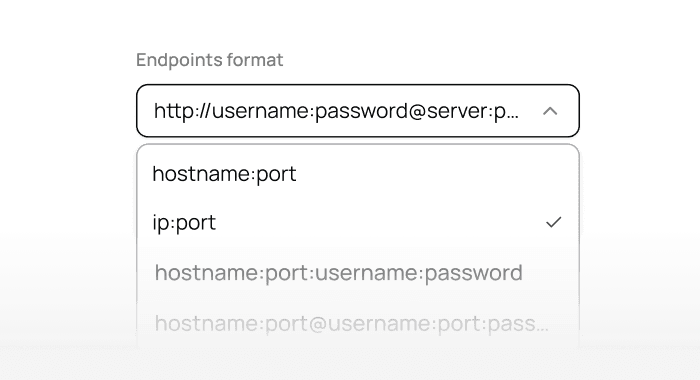
Connect through the Geonode endpoint using this format:
hostname:port:username:password
Hostname: proxy.geonode.io
HTTP/HTTPS ports: 9000-9010
SOCKS5 ports: 11000-11010
Your username can include the selected location and session settings. The password comes from your Geonode dashboard.
Choosing a rotation interval
Use per-request rotation when requests are independent. Use a sticky session when several requests need continuity, such as pagination, a form, or a browsing flow.
Our sessions use a 10-minute lifetime by default. You can set a session duration from 3 minutes to 24 hours, depending on the task.
Rotating vs static datacenter proxies
| Feature | Rotating proxies | Static proxies |
|---|---|---|
| IP behaviour | IP can change between requests or sessions | Same assigned IP remains in use |
| Management | Uses an available IP pool | Uses a fixed proxy list |
| Best for | Independent requests and scalable collection | Tasks needing one consistent IP |
| Session support | Rotating or sticky | Naturally persistent |
| Billing | Usually per GB | Often per IP |
| Main trade-off | Less IP continuity | More manual proxy management |
Rotating access is better when scale and automatic IP changes matter. Static access is better when a task must return through the same address.
Datacenter vs residential: which one for your task
| Task | Datacenter | Residential |
|---|---|---|
| Public web scraping | Best when speed and scale are the priority | Useful when a residential connection is required |
| Price monitoring | Fast for frequent public price checks | Better for location-sensitive storefronts |
| SEO research | Suitable for high-volume result collection | Useful for results that depend on local users |
| Ad verification | Works for basic regional checks | Better when ads depend on residential traffic |
| Market research | Efficient for collecting public datasets | Useful for consumer-location coverage |
| Multi-step sessions | Works with sticky sessions | Better when residential identity is important |
Datacenter proxies generally offer higher speed and lower traffic costs. Residential proxies use IPs connected to real consumer networks, which makes them suitable for tasks that need residential routing.
Rotating datacenter proxy pricing: billed by traffic
Choose Subscription or Pay As You Go in the pricing table to see the available traffic allowances and rates. This product is billed by traffic in GB.
This product is billed per GB, so bandwidth is not unlimited. The phrase rotating proxies unlimited bandwidth refers to a different pricing model and should not be applied to this traffic-based product.
Flat plans vs per-GB
A flat plan usually charges for a fixed number of IPs and may include unlimited bandwidth. Rotating datacenter access instead charges for the traffic transferred through the proxy.
Choose per-GB billing when you want access to rotating IPs without purchasing each address separately. If you want to buy datacenter proxy access with fixed IPs, check whether a static or ISP-based plan better fits the task.
Why cheap rotating proxies still work for public data
Cheap rotating proxies can work well because datacenter servers provide fast and stable connections without using residential devices. The wholesale pricing model also lowers the cost as the selected traffic volume increases.
The lower price does not remove normal limits set by target websites. Use sensible request rates, retry logic, and concurrency settings when collecting public data.
Speed, success rate and IP pool size: what to expect
Datacenter proxies are built for speed because their traffic runs through server infrastructure. Actual performance still depends on the target website, selected location, connection quality, number of threads, and request frequency.
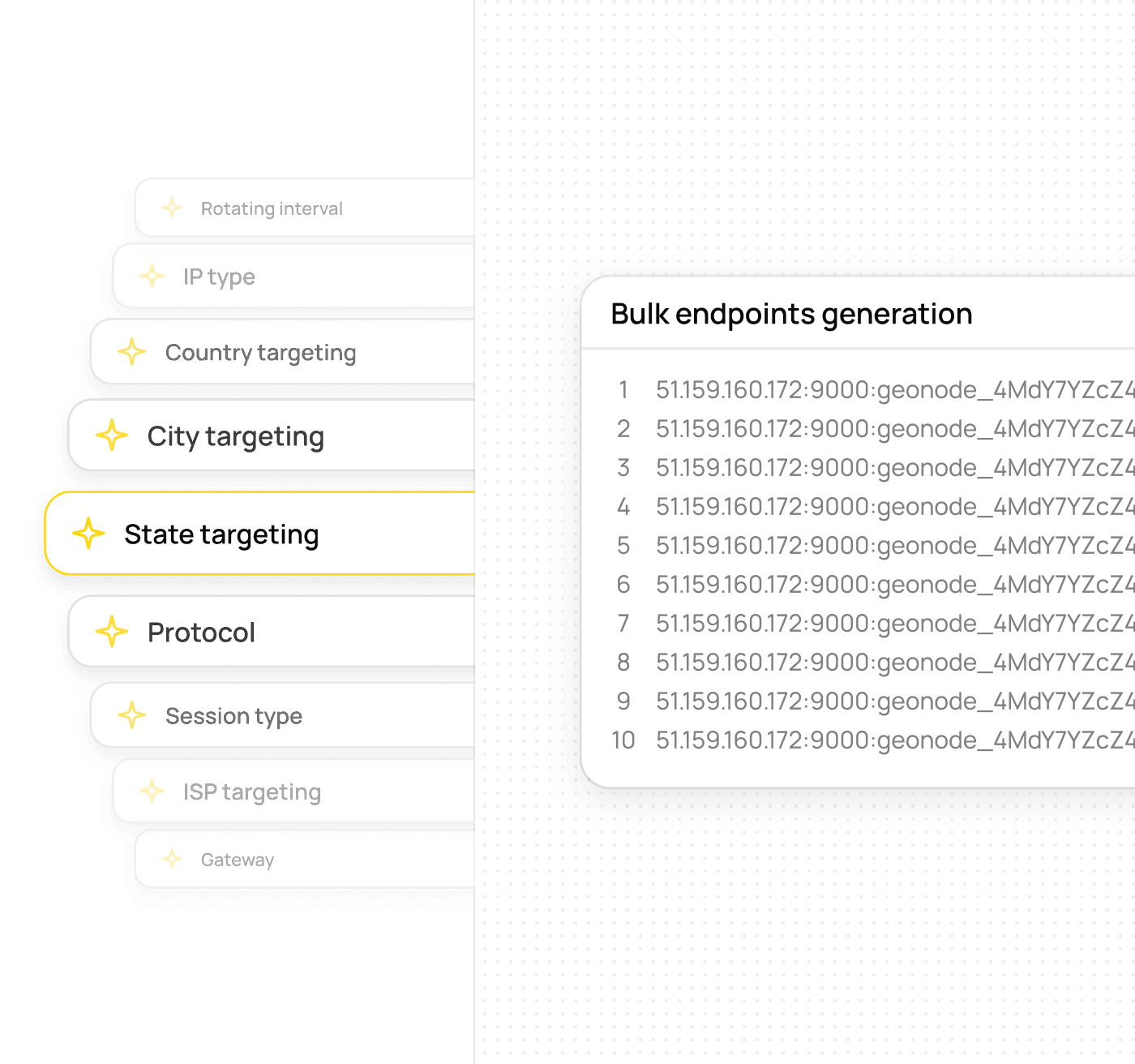
The success rate can change between websites and workloads, so test the target before scaling. IP pool availability and geo-targeting options may also vary by location. We support country, state, and city targeting where matching addresses are available.
Setup in 60 seconds: cURL, Python, Node
Replace USERNAME and PASSWORD with the credentials from your dashboard.
cURL
curl -x "http://USERNAME:PASSWORD@proxy.geonode.io:9000" \
  "https://example.com"
Python
import requests

proxy = "http://USERNAME:PASSWORD@proxy.geonode.io:9000"
proxies = {"http": proxy, "https": proxy}

response = requests.get("https://example.com", proxies=proxies)
print(response.text)
Node.js
const axios = require("axios");
const HttpsProxyAgent = require("https-proxy-agent");

const proxy = "http://USERNAME:PASSWORD@proxy.geonode.io:9000";
const agent = new HttpsProxyAgent.HttpsProxyAgent(proxy);

axios.get("https://example.com", { httpsAgent: agent })
  .then(response => console.log(response.data));
The same endpoint can be used through the API or added to tools that support authenticated HTTP or SOCKS5 proxies.
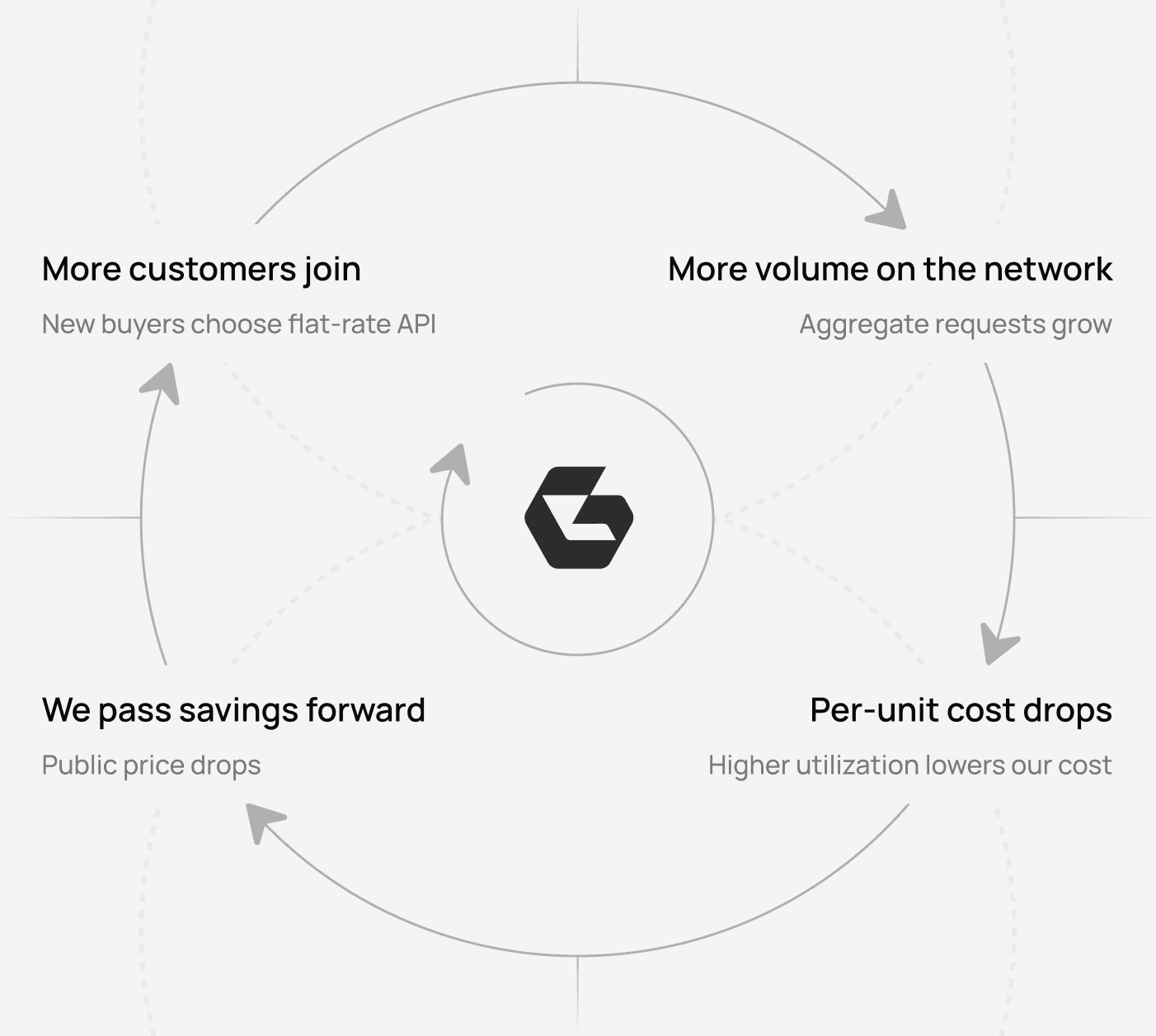
Here's how we offer low prices on world-class quality
Most scraping APIs run on rented supply with credit-based pricing. That's why your bill is unpredictable. We chose the opposite path and the math compounds.
Start using rotating datacenter proxies in minutes
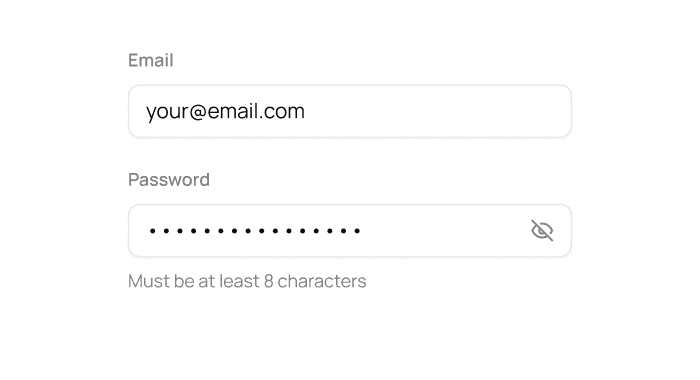
Create your account
Create an account, open Rotating Datacenter Proxies, and copy your proxy credentials from Proxy configuration.
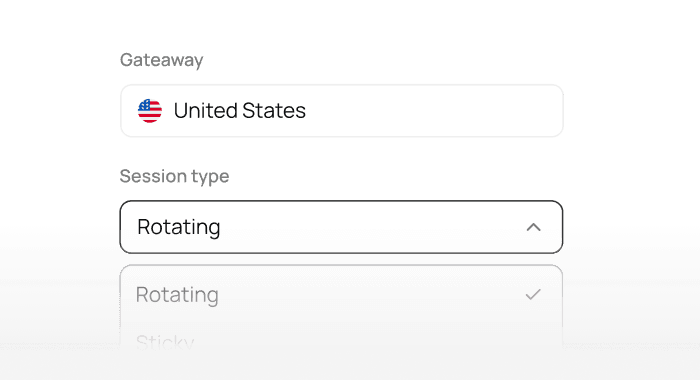
Choose location and proxy type
Select country targeting and session mode: rotating or sticky
Add the endpoint to your code
Paste the proxy endpoint into your script or automation tool
Scale your traffic
Increase bandwidth and concurrency as your workloads grow
Code quickstart
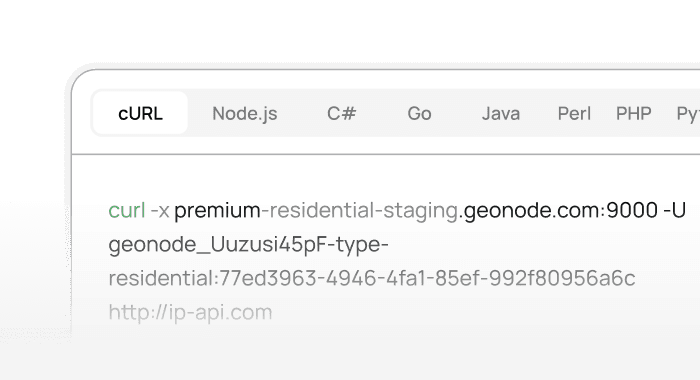
Add the Geonode rotating datacenter proxy endpoint to your code and start routing traffic in seconds.
curl -x proxy.geonode.io:9000 -U "USERNAME:PASSWORD" "http://ip-api.com"Common use casesfor datacenter proxies
High-speed datacenter IPs are ideal for large-scale automation, data collection, and performance testing
High-speed datacenter IPs are ideal for large-scale automation, data collection, and performance testing
High-frequency scraping
Collect public web data with rotating datacenter IPs. Set request rates to suit the target website and your plan.
Price comparison
Collect public prices at intervals appropriate for each target website.
Market research
Fast, bulk public data collection across multiple markets
Load testing
Test systems you own or have explicit permission to assess. Agree the scope and request rate before running a test.
Why this is different
Datacenter connections
Route requests through datacenter infrastructure. Performance depends on the target website, selected location and workload.
Price that drops with volume
Choose a traffic allowance and review the per-GB rate in the pricing table. Subscription and Pay As You Go options have different rates and conditions.
Wholesale pricing
We operate the network ourselves, so there's no broker markup in your bill. Same model as our residential network.
FAQ
Rotating Datacenter Proxies use IP addresses hosted in datacenter networks and are designed for fast, high-volume requests. IPs can be used over rotating requests or sticky sessions.
We support HTTP, HTTPS and SOCKS5.
You can select from the locations available in the Datacenter Proxy dashboard. Availability can vary by country and current inventory.
Datacenter Proxies use IPs from datacenter infrastructure and are generally suited to workloads where speed and scalability are important. Residential Proxies use IPs associated with residential networks and provide broader locations and targeting.
Datacenter Proxies can be used with applications and tools that support standard proxy authentication. Your proxy host, port, username, and password are available from the Geonode dashboard.
Our ISP product provides shared or dedicated static IPs. For automatic IP rotation, use the rotating datacenter or residential product.
No. Rotating datacenter traffic is billed by usage in GB. Unlimited bandwidth applies to eligible per-IP products, not this service.
Yes, you can configure USA rotating proxies by selecting the United States in the available location settings. More specific state or city options depend on current inventory.
Start a new rotating connection to receive another available IP. Also reduce request frequency, check the target’s rules, and review your retry settings before continuing.


Ready to test rotating datacenter proxies?
Review the available plans and setup guide before connecting your workload.
