
Interact
Run Chrome or Firefox on Geonode's residential network. Connect your code to a remote browser and pay for the traffic you use.
- Chrome
- Firefox
Interact is billed by residential traffic. Choose a monthly plan from 20 GB to 1,000 GB.
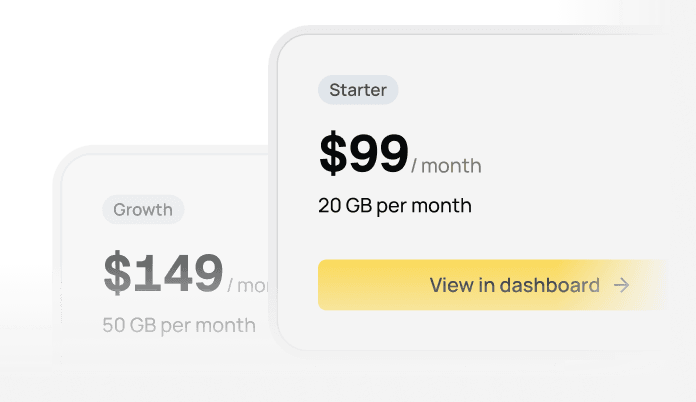
- Start $99 subscriptionStarter
$99/ month
20 GB per month · $4.95 per GB
- Concurrent slots3
- Max. session length30 min
- Traffic per session500 MB
- Start $149 subscriptionGrowthPopular
$149/ month
50 GB per month · $2.98 per GB
- Concurrent slots5
- Max. session length60 min
- Traffic per session1 GB
- Start $599 subscriptionScale
$599/ month
250 GB per month · $2.396 per GB
- Concurrent slots20
- Max. session length60 min
- Traffic per session2 GB
- Request accessBusiness
$1,999/ month
1,000 GB per month · $1.999 per GB
- Concurrent slots50
- Max. session length60 min
- Traffic per session2 GB

Interact quickstart
Create a session, connect your supported client and drive the browser.
Workflow overview. Conceptual sequence, not executable code.
01  Create a browser session

02  Connect to its WebSocket URL

03  Navigate, click and read

04 End the sessionSupported integrations
Playwright or PuppeteerFrom setup to a browser session
Choose a plan
Pick a monthly plan in your dashboard.
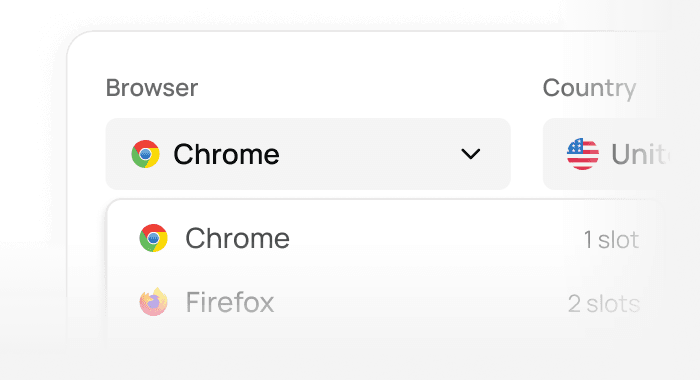
Start a session
Choose your browser and exit country. The API returns a connection URL.
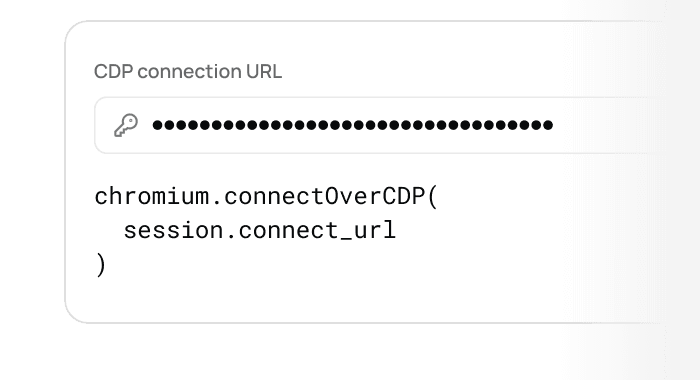
Connect your client
Open the connection from Playwright or use Puppeteer with Chrome.
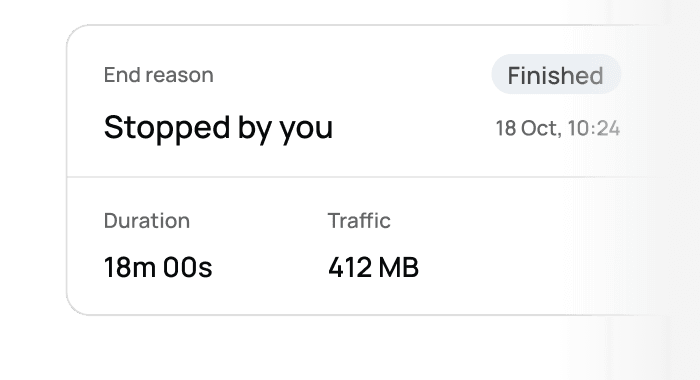
Stop and check usage
End the session when you're done. Check the residential traffic it used.
How traffic billing works
When a session starts, part of your available traffic is reserved. When it ends, you pay for the GB used and the unused portion returns to your balance.






Start a session
Reserve traffic
Meter usage
Release hold




FAQ
Run your next browser session
Monthly plans start at $99 for 20 GB of residential traffic.
